Getting Started with the Falkonry Time Series AI (TSI) Platform
Once your account is provoisioned, you will receive an invitation via email. Check your inbox (or spam folder) to find the invitation link from Falkonry. Your initial setup will typically follow these steps:
Note
Access to Falkonry TSI is by invitation only. If you need an account, please contact your organization's system administrator or request a free trial on the Falkonry website. Once you have access, you can follow the steps outlined in this guide to get started with the platform.
1. Set up your account password and log in
Follow the instructions to set up your account and log in to the Falkonry TSI platform.
2. Connect a data source
Create an inbound connection to bring your time series data into Falkonry.
3. Approve signals
Review the inbound connection to discover new "draft" signals. Once Approved the data can be processed and visaulized in TSI. Adding signal metadata for context.
4. Organize Signals
Structure your signals into signal trees for effective navigation and analysis.
5. Apply AI
Deploy Rules, Calculations, Anomalies, or Patterns to begin detecting anomalies, discovering patterns, and generating actionable alerts.
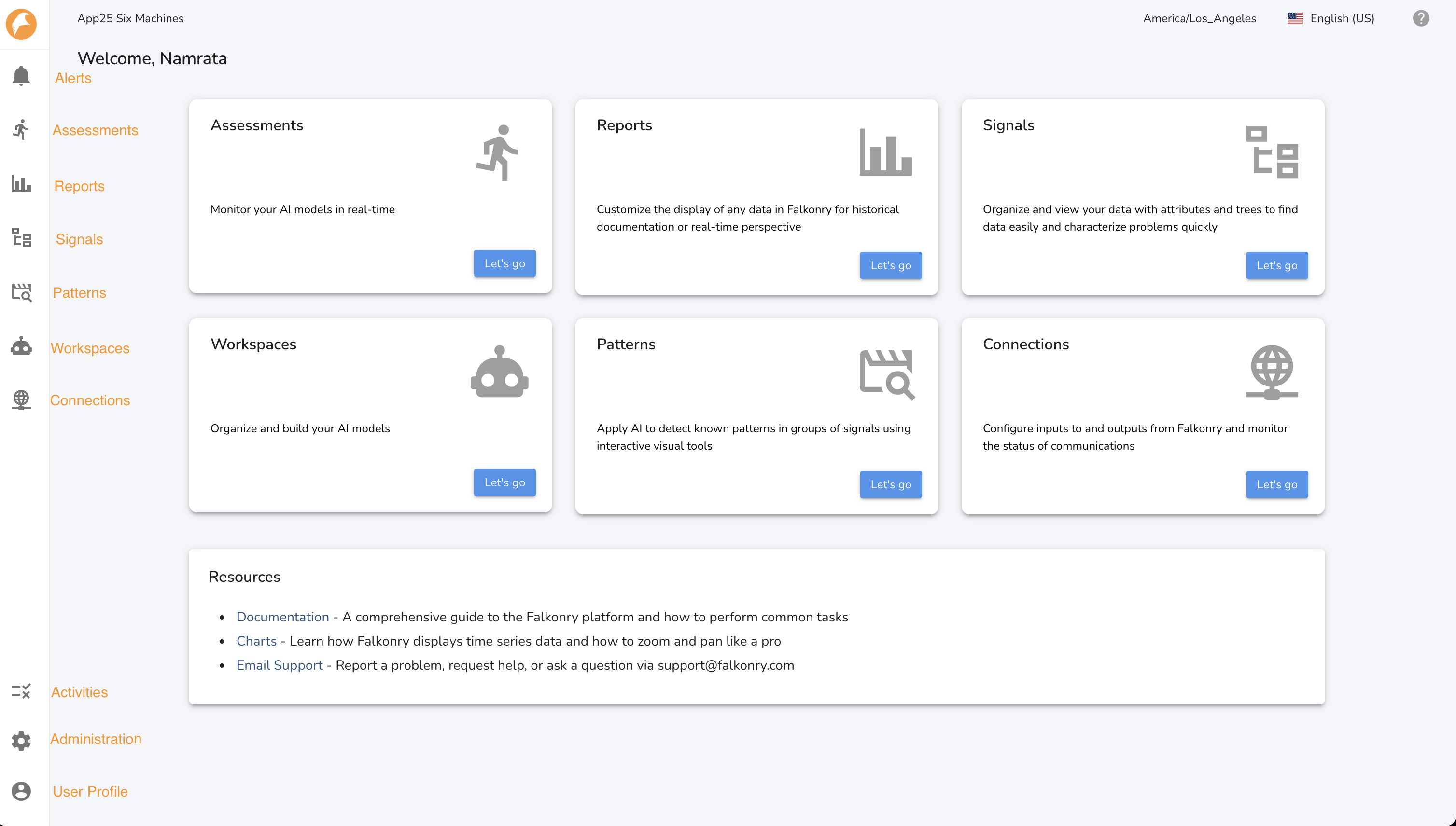
6. Navigate TSI
Warning
Throughout this user guide, you will encounter screenshots of the TSI platform user interface (UI). While these visuals are highly representative, please note that the Falkonry TSI UI is continuously updated and improved. Therefore, the appearance of some elements in the live application may differ slightly from what is shown in these screenshots. They are primarily used here to convey concepts and give the reader a rough sense of what the UI may look like.